 Power Mode
Make typing feel like a game 🔥
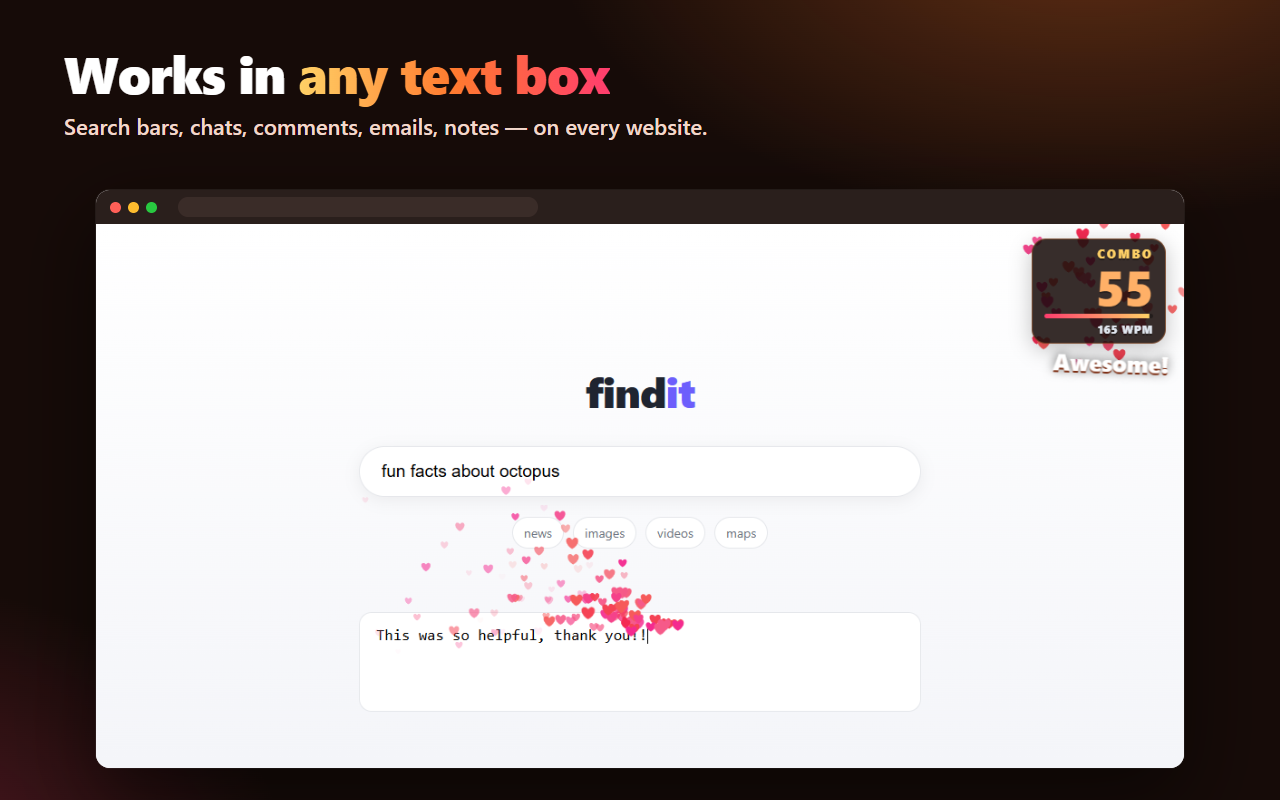
Sparks fly from your cursor, your combo climbs as you type, and your keyboard sounds like a mechanical one – on any website.
Add to Chrome – it's free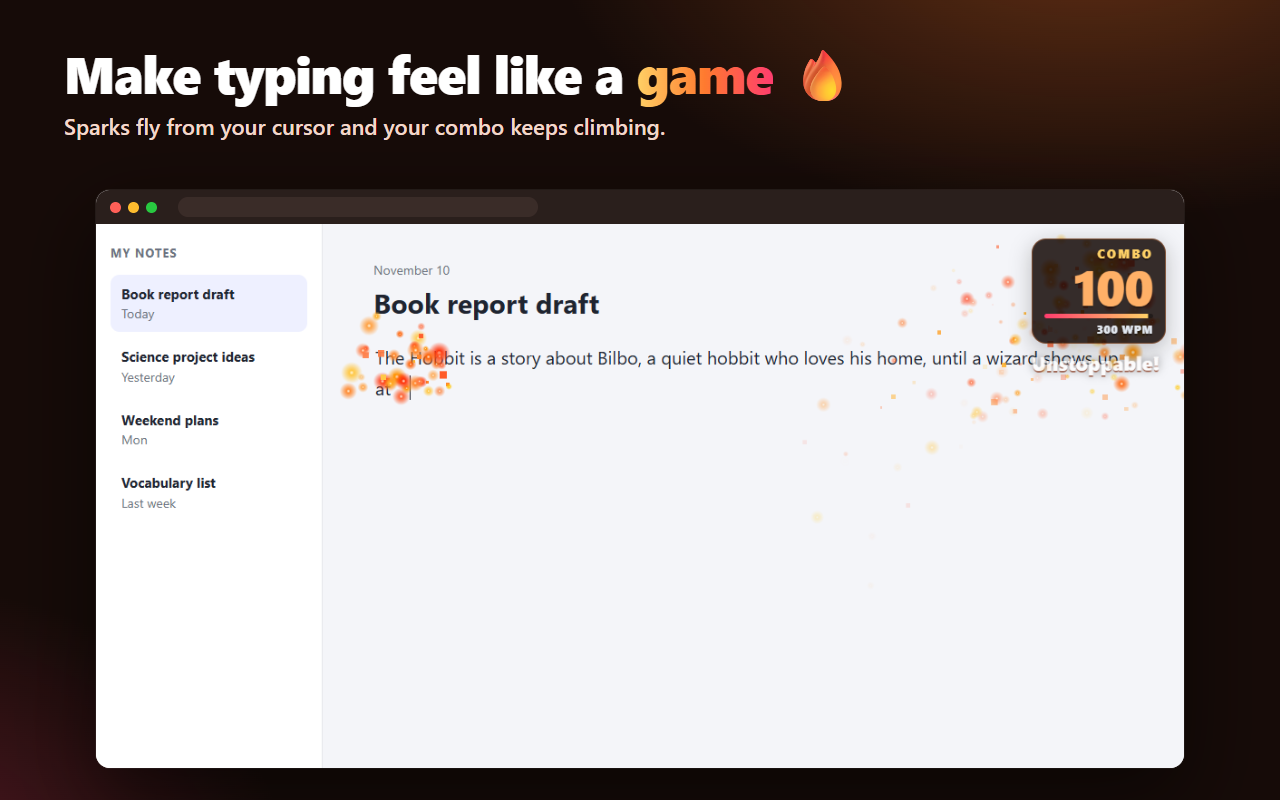
Everything in one tiny extension
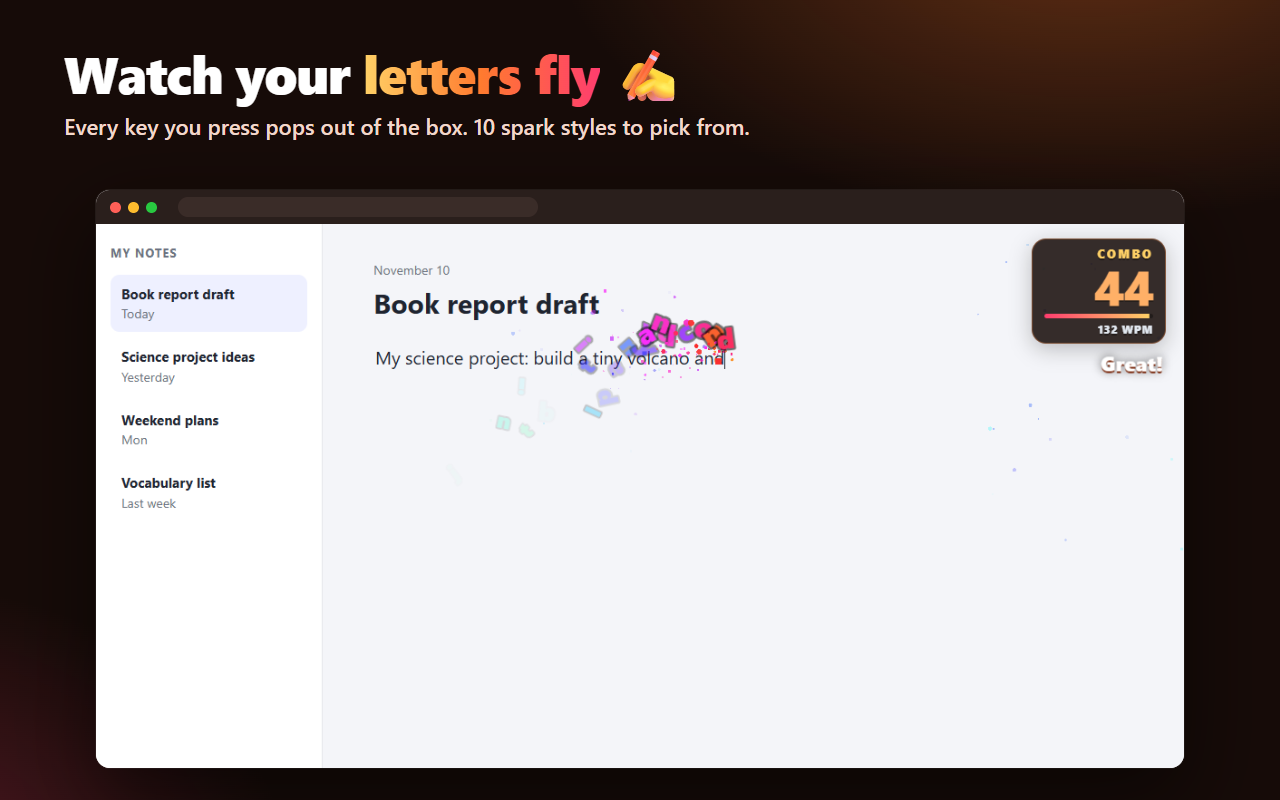
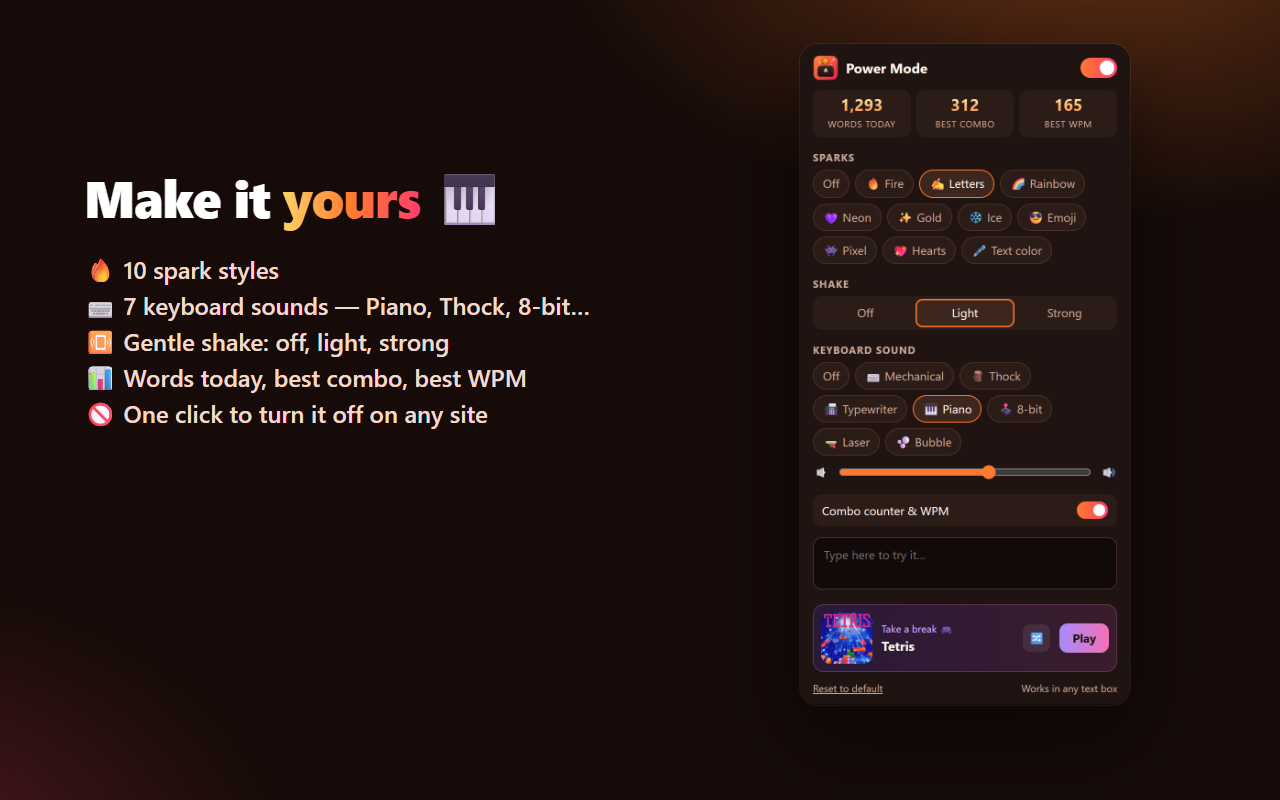
Fire, Letters, Rainbow, Neon, Gold, Ice, Emoji, Pixel, Hearts and your text color.
Every key you press pops out of the text box and flies away.
Keep typing to build your combo. Stop for 3 seconds and it resets.
Mechanical, Thock, Typewriter, Piano, 8-bit, Laser and Bubble – with a volume slider.
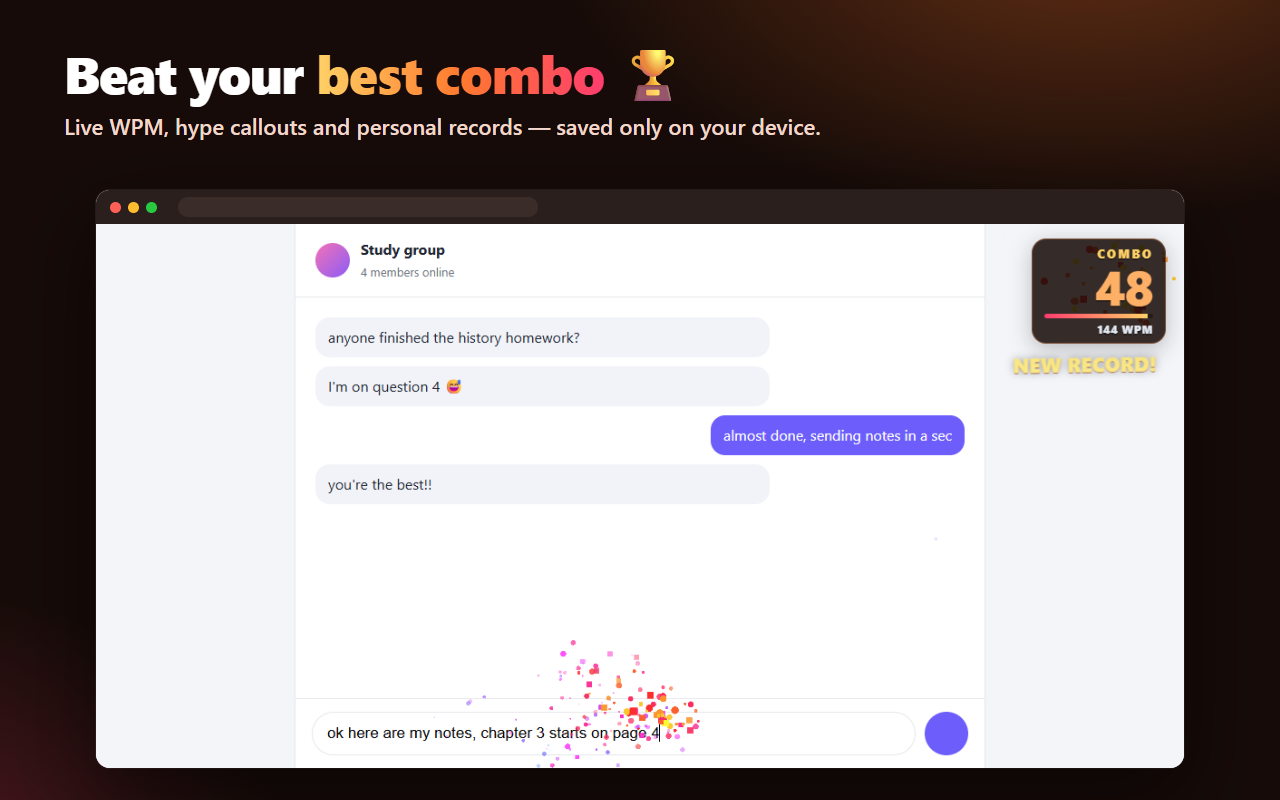
Live typing speed, best combo, best WPM and words typed today.
Password fields are ignored. Effects scale down automatically on slower computers.
See it in action
FAQ
Does Power Mode read or save what I type?
No. Letters are only drawn on your screen for the effect and then disappear. Nothing you type is stored or sent anywhere, and password fields are always ignored. The only things saved – on your own computer – are your settings and three numbers: best combo, best WPM and words typed today.
Where does it work?
In text boxes on almost any website: search bars, chats, comments, emails, notes and forms. Chrome doesn't allow extensions on chrome:// pages or the Chrome Web Store.
Why don't I hear any sound?
Sounds are off by default. Click the Power Mode icon in your toolbar and pick a keyboard sound.
Can I turn it off on one website?
Yes – open the popup on that website and switch off "On for this site".
Is it free?
Yes, completely free.